MEXC Savings has officially launched financial products allowing users to participate in TON locked staking to make profits. Visit the official MEXC website to try it out. 1. TON Staking RulesMEXC Savings has officially launched financial products allowing users to participate in TON locked staking to make profits. Visit the official MEXC website to try it out. 1. TON Staking Rules
新手学院/新手指南/现货/How to Part...EXC Savings

How to Participate in TON Staking on MEXC Savings

Jul 16, 2025MEXC
0m
TONCOIN
TON$1.605-0.55%
aPriori
APR$0.1103+5.14%
Polytrade
TRADE$0.06853+1.15%
Belong
LONG$0.012716+203.55%
OPT
OPT$0.00572+7.92%

MEXC Savings has officially launched financial products allowing users to participate in TON locked staking to make profits. Visit the official MEXC website to try it out.

1. TON Staking Rules


Currently, MEXC offers three different durations of TON locked staking, each with its corresponding yield rate, individual staking limit, and total staking pool limit, as shown in the table below:
Staking Duration (Days)
Estimated Annual Interest Rate (APR)
Staking Limit (Per Person)
Staking Limit (Cumulative)
30
5.0%
500,000 TON
10,000,000 TON
60
7.5%
500,000 TON
10,000,000 TON
120
10.0%
500,000 TON
10,000,000 TON

Locked Savings, as described in the rules displayed on the service page, involves locking the assets you stake, such as TON, for a specified period. During this lockup period, you cannot trade, deposit, or withdraw the staked assets. Investors who prefer long-term asset holding often opt for this type of financial service.

2. How to Participate in TON Locked Staking


Below, we'll provide a demonstration using TON locked staking for 30 days as an example.

2.1 On the Website


Open the MEXC official website and log in. In the top navigation bar, select [Spot] and then select [Savings] to access the staking page.


In the search box under the "Savings" section, enter "TON" to view the estimated annual interest rate (APR) and various staking durations for TON staking. Click the [Stake Now] button to open the subscription page.


Enter the amount of TON you wish to stake, read and check "I have read and understood the risks involved in the investment MEXC Risk Disclosure Statement," then click [Confirm and Stake] to complete the TON staking process.

Please note the minimum staking amount prompt displayed on the page when staking TON. Currently, individual users have a maximum staking limit of 500,000 TON.

On the right side of the subscription page, detailed information regarding your TON staking, including the subscription date, value date, interest distribution date, redemption date, redemption unlocking date, and relevant notes, is displayed. Please read this section carefully.


After successfully staking, you can click on [Unlock or View History] on the MEXC Savings page to find the recent TON staking transaction.


After reaching the minimum staking duration, you can choose to redeem or continue staking. The final yield will be calculated based on the actual number of staking days. Upon redemption, your principal will be unlocked on the same day.

2.2 On the App


Open the MEXC App, click on [More] on the homepage, then select [MEXC Savings] under the "Earn" section to access the staking page.

On the staking page, in the search box under the "Savings" section, enter "TON" to view the estimated APR and staking duration for TON staking. Click the [Stake Now] button to open the subscription page.

Enter the amount of TON you wish to stake in the "Savings Amount" field, read and check "I have read and understood the risks involved in the investment MEXC Risk Disclosure Statement," then click [Confirm and Stake] to complete the TON staking process.

Please note the minimum staking amount prompt displayed on the page when staking TON. Currently, individual users have a maximum staking limit of 500,000 TON.

As you scroll down on the subscription page, detailed information regarding your TON staking, including the subscription date, value date, interest distribution date, redemption date, redemption unlocking date, and relevant notes, is displayed. Please read this section carefully.


After successfully staking, you can click on [Unlock or View History] on the MEXC Savings page to find the recent TON staking transaction.

After reaching the minimum staking duration, you can choose to redeem or continue staking. The final yield will be calculated based on the actual number of staking days. Upon redemption, your principal will be unlocked on the same day.

TON (The Open Network) is MEXC's strategic investment partner. MEXC Savings offers TON holders a simple, fast, and diverse earning solution. Investors are welcome to experience and enjoy the high-quality services and security provided on the MEXC platform. If you want to learn more about MEXC Savings, you can read "Understanding MEXC Savings."

Disclaimer: This information does not provide advice on investment, taxation, legal, financial, accounting, consultation, or any other related services, nor does it constitute advice to purchase, sell, or hold any assets. MEXC Learn provides information for reference purposes only and does not constitute investment advice. Please ensure you fully understand the risks involved and exercise caution when investing. The platform is not responsible for users' investment decisions.


热门文章

如何在MEXC上线项目:申请流程完整指南

如何在MEXC上线项目:申请流程完整指南

将您的加密货币项目在MEXC上市需要几个步骤和要求。以下是一份全面的指南:1. MEXC上市流程概述MEXC根据您的项目阶段、社区规模和资源提供不同的上市路径。与Coinbase等其他交易所相比,MEXC以相对易于访问而闻名。第1步:了解MEXC的上市标准基于项目价值的审查流程最适合具有强大基础的项目第2步:准备您的项目在申请之前,请确保您准备好这些必需品:技术要求智能合约信息合约地址(在区块链浏
如何使用 MEXC 不同的订单模式进行合约下单?帮你低成本快速完成建仓

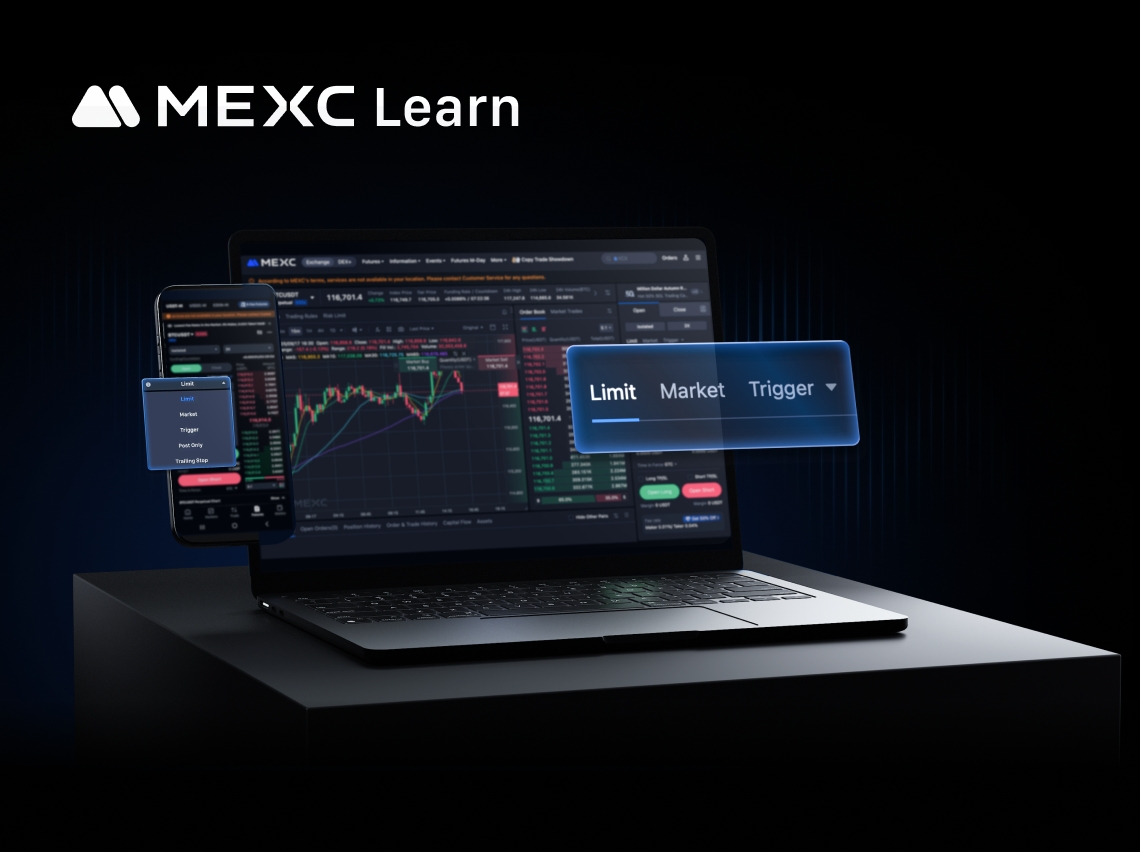
如何使用 MEXC 不同的订单模式进行合约下单?帮你低成本快速完成建仓

在瞬息万变的加密货币合约市场中,建仓(即开立仓位)是交易的第一步,也是决定交易成败的关键一步。许多交易者,尤其是新手,往往只知道使用最基础的市价单和限价单,这不仅可能让他们错失良机,还可能因为滑点等问题无形中增加了交易成本。事实上,像MEXC这样专业的交易平台提供了多种订单模式,每一种都像一个精密的工具,为特定的交易场景而设计。掌握这些工具,意味着您能更主动、更精准地执行自己的交易策略。本文将全面

如何使用 MEXC DEX+

如何使用 MEXC DEX+

1. 什么是 MEXC DEX+?MEXC DEX+ 是一个去中心化交易聚合平台(DEX Aggregator),整合多家 DEX,为用户提供最优交易路径,降低滑点并优化交易成本。作为 MEXC 最新推出的去中心化交易解决方案,DEX+ 支持超过 10,000 种链上资产交易,确保用户始终以最佳价格成交,带来顺畅的 DEX 交易体验。2. 如何使用 MEXC DEX&#43

新手必看!MEXC 合约收益和手续费详解

新手必看!MEXC 合约收益和手续费详解

在 MEXC 等主流交易所进行合约交易时,您交易的盈亏来自三个方面:手续费(Trading Fee),即交易过程中所产生的成本资金费用(Funding Fee)即在持仓期间按照资金费率进行的周期性结算平仓盈亏(Realized PnL),指在平仓后锁定的最终盈亏结果掌握这三项的计算方法,不仅能够帮助交易者精准评估每一笔交易的真实收益,还能有效优化交易策略、降低成本支出,并在不同市场环境中保持理性决

热门加密动态
九位数净资产:财富创造的新里程碑

九位数净资产:财富创造的新里程碑

九位数净资产的概念,范围从1亿美元到略低于10亿美元,在现代经济中标志着一个关键门槛,区分超高净值个人(UHNWIs)与亿万富翁。这个财富级别不仅象征着巨大的财力,还代表了一个在当今快速发展的经济格局中越来越重要的特殊富裕阶层。在MEXC(一个领先的加密货币平台)的用户中,随着创新者、投资者和Web3先驱利用区块链技术比传统财富构建方法更快地积累大量财富,九位数财富变得越来越普遍。与传统金融不同,
Dogecoin (DOGE) 看涨价格预测

Dogecoin (DOGE) 看涨价格预测

看涨 DOGE 前景介绍乐观的投资者经常关注 Dogecoin (DOGE) 的看涨价格预测,以确定该币在有利的市场周期中的增长潜力。看涨前景探讨了采用率、创新和市场动能如何将 DOGE 推向更具盈利性的加密货币交易领域的各种情景。DOGE 当前市场快照根据 MEXC News 最新的市场数据,Dogecoin 最近的交易价格在 $0.13-$0.15 区间,市值超过 220 亿美元,在最近分析期

Dogecoin (DOGE) 7日价格变动

Dogecoin (DOGE) 7日价格变动

最新的Dogecoin (DOGE)价格在过去一周显示出显著的短期波动,反映出市场对迷因币的情绪变化以及更广泛的市场状况。在本文中,我们将分析其当前价格、7天价格变动以及影响DOGE价格趋势的市场因素。Dogecoin (DOGE) 当前价格根据MEXC的最新市场数据,Dogecoin目前的交易价格约为$0.14中区,在2025年12月,其日内波动通常在$0.14至$0.15之间。在最近的24小时
BOB (Build on Bitcoin) (BOB) 30天价格变化:市场分析

BOB (Build on Bitcoin) (BOB) 30天价格变化:市场分析

追踪BOB (BOB) 的30天价格变化可以深入了解短期至中期市场趋势,突显近期波动性、动能和交易者行为。这段时期通常显示了新闻、采用事件和更广泛的加密货币动向如何影响BOB的价格趋势和BOB价格预测因素。过去30天BOB (BOB) 价格概览在过去30天内,BOB (Build on Bitcoin)从约$0.00490上涨至约$0.01625,反映了+227.00%的变化。在此期间,该代币经历

相关文章

新手必看!MEXC 合约收益和手续费详解

新手必看!MEXC 合约收益和手续费详解

在 MEXC 等主流交易所进行合约交易时,您交易的盈亏来自三个方面:手续费(Trading Fee),即交易过程中所产生的成本资金费用(Funding Fee)即在持仓期间按照资金费率进行的周期性结算平仓盈亏(Realized PnL),指在平仓后锁定的最终盈亏结果掌握这三项的计算方法,不仅能够帮助交易者精准评估每一笔交易的真实收益,还能有效优化交易策略、降低成本支出,并在不同市场环境中保持理性决
MEXC 交易手续费与资金费率全解析:现货与合约费率最新指南

MEXC 交易手续费与资金费率全解析:现货与合约费率最新指南

无论是在加密货币领域摸爬滚打多年的职业交易员,还是刚刚接触交易的新手,了解交易相关费率都是熟悉交易规则、提升交易体验的必经之路。MEXC 作为全球领先的加密货币交易平台,提供清晰透明的费率体系,帮助交易者在合约与现货交易中更好地管理成本。1. 合约交易相关费率1.1 交易手续费在 MEXC 合约交易中,用户会有两种身份:挂单(Maker):当前所下的限价单并未与当前挂单(Maker)成交,并被放在
如何在MEXC上使用TradingView

如何在MEXC上使用TradingView

TradingView 是一个交易分析的工具网站,功能强大,能够适用于不同经验水平的交易用户。MEXC 已经集成 TradingView 图表工具,您可以在 MEXC 平台直接使用 TradingView 。如何在 MEXC 上使用 TradingView我们以现货交易页面为例,进行 TradingView 图表相关功能的演示。合约交易页面设置方式和现货交易页面完全一样。1. 蜡烛图的设置蜡烛图即
现货交易手续费的计算

现货交易手续费的计算

现货交易手续费收取的规则是在什么币种的市场交易,就扣除什么币种作为手续费,扣除的费用是以成交量乘以相应的手续费率来计算得到的。MEXC 平台的现货交易费率,挂单方(Maker)费率为 0%,吃单方(Taker)费率为 0.05%。挂单即用户发布的委托单在市场中没有对应的委托单进行匹配,需要等待成交后,再成交的订单。吃单即用户发布的委托单与市场中的委托挂单存在匹配可以立即成交的订单。未成交的委托单以

注册MEXC账号
注册 & 获得高达10,000 USDT奖金