

Osaurus brings both local and cloud AI models to your Mac
BitcoinWorld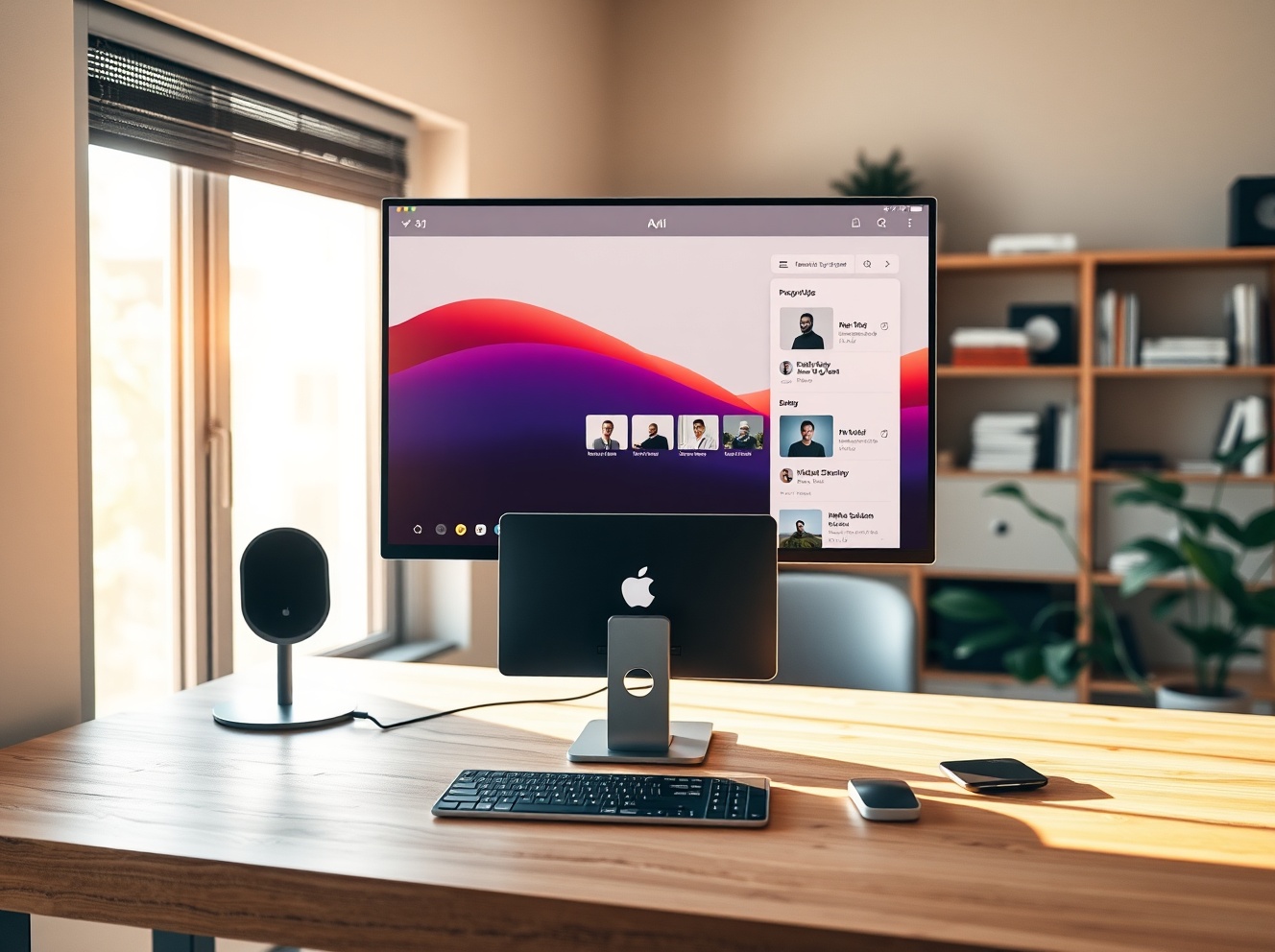
Osaurus brings both local and cloud AI models to your Mac
As AI models become increasingly commoditized, startups are racing to build the software layer that sits on top of them. One interesting entrant into this space is Osaurus, an open-source, Apple-only LLM server that lets users move between different local AI models — either running on-device or in the cloud — while keeping their files and tools on their own hardware.
From AI companion to local LLM server
Osaurus evolved out of the idea for a desktop AI companion called Dinoki, which co-founder Terence Pae described as a sort of “AI-powered Clippy.” Dinoki’s customers had asked him why they should buy the app if they still had to pay for tokens — the usage units AI companies charge for processing prompts and generating responses. That got Pae thinking more deeply about running AI locally.
“That’s how Osaurus started,” Pae, previously a software engineer at Tesla and Netflix, told Bitcoin World over a call. The idea, he explained, was to try to run an AI assistant locally. “You can do pretty much everything on your Mac locally, like browsing your files, accessing your browser, accessing your system configurations. I figured this would be a great way to position Osaurus as a personal AI for individuals.” Pae began building the tool in public as an open-source project, adding features and fixing bugs along the way.
How Osaurus works: a harness for AI models
Today, Osaurus can flexibly connect with locally hosted AI models or cloud providers like OpenAI and Anthropic. Users can freely choose which AI models they’re using, while keeping other aspects of the AI experience on their own hardware — like the models’ own memory, files, and tools. Given that different AI models have different strengths, the advantage of this system is that users can switch to the AI model that best fits their needs.
Such a structure makes Osaurus what’s called a “harness” — a control layer that connects different AI models, tools, and workflows through a single interface, similar to tools like OpenClaw or Hermes. However, those tools are often aimed at developers who know their way around a terminal. And sometimes, like in the case of OpenClaw, they may pose security issues. Osaurus, meanwhile, presents an easy-to-use interface for consumers and addresses security concerns by running things in a hardware-isolated, virtual sandbox. This limits the AI to a certain scope, keeping your computer and data safe.
Hardware requirements and the future of local AI
Running AI models on your machine is still in its early days, given that it’s heavily resource-intensive and hardware-dependent. To run local models, your system will need at least 64 GB of RAM. For running larger models, like DeepSeek v4, Pae recommends systems with about 128 GB of RAM. But Pae believes local AI’s needs will come down in time.
“I can see the potential of it, because the intelligence per wattage — which is like the metric for local AI — has been going up significantly. It’s on its own curve of innovation. Last year, local AI could barely finish sentences, but today it can actually run tools, write code, access your browser, and order stuff from Amazon. It’s just getting better and better,” he said.
Supported models and plugins
Osaurus today can run MiniMax M2.5, Gemma 4, Qwen3.6, GPT-OSS, Llama, DeepSeek V4, and other models. It also supports Apple’s on-device foundation models, Liquid AI’s LFM family of on-device models, and in the cloud, it can connect to OpenAI, Anthropic, Gemini, xAI/Grok, Venice AI, OpenRouter, Ollama, and LM Studio. As a full MCP (Model Context Protocol) server, you can give any MCP-compatible client access to your tools as well. Plus, it ships with over 20 native plugins for Mail, Calendar, Vision, macOS Use, XLSX, PPTX, Browser, Music, Git, Filesystem, Search, Fetch, and more. More recently, Osaurus was updated to include voice capabilities.
Adoption and next steps
Since the project went live nearly a year ago, it has been downloaded north of 112,000 times, according to its website. Currently, Osaurus’ founders (who include co-founder Sam Yoo) are participating in the New York-based startup accelerator Alliance. They’re also thinking about next steps, which could see Osaurus being offered to businesses — like those in the legal space or in healthcare — where running local LLMs could address privacy concerns.
As the power of local AI models grows, the team believes it could lower the demand for AI data centers. “We’re seeing this explosive growth in the AI space where [cloud AI providers] have to scale up using data centers and infrastructure, but we feel like people haven’t really seen the value of the local AI yet,” Pae said. “Instead of relying on the cloud, they can actually deploy a Mac Studio on-prem, and it should use substantially less power. You still have the capabilities of the cloud, but you will not be dependent on a data center to be able to run that AI.”
Conclusion
Osaurus represents a notable step in making local AI more accessible and practical for everyday Mac users. By offering a flexible harness that connects both local and cloud models with a strong emphasis on privacy and security, it addresses key concerns around data control and cost. As local AI models continue to improve in capability and efficiency, tools like Osaurus could help shift the balance away from cloud-dependent AI toward more decentralized, on-device solutions.
FAQs
Q1: What is Osaurus?
Osaurus is an open-source, Apple-only LLM server that lets users run and switch between local and cloud AI models while keeping files and tools on their own hardware.
Q2: What are the hardware requirements for running local models with Osaurus?
For local models, a Mac with at least 64 GB of RAM is recommended. For larger models like DeepSeek v4, about 128 GB of RAM is advised.
Q3: Which AI models and cloud providers does Osaurus support?
It supports local models like MiniMax M2.5, Gemma 4, Llama, DeepSeek V4, and Apple’s on-device models. Cloud providers include OpenAI, Anthropic, Gemini, xAI/Grok, and others.
This post Osaurus brings both local and cloud AI models to your Mac first appeared on BitcoinWorld.


추천 콘텐츠

Spot XRP ETFs Top $60M in Weekly Flows, Best Week Since December

Russian Stablecoin A7A5 Claims It Can Thrive Even If Sanctions Are Lifted




