Talk to Your Salesforce Org: Natural Language Meets CRM via MCP

What if you could speak to your Salesforce org instead of opening multiple tabs and clicking many times? Advanced Communities’ Salesforce MCP server let’s you interact with Salesforce using natural language — just like having a conversation with a colleague who knows your org inside out.
For example, instead of:
Navigating to Reports → Creating a new report → Selecting fields → Adding filters → Running
Just ask: “Show me all opportunities closed in Q3 with amounts over $100K”
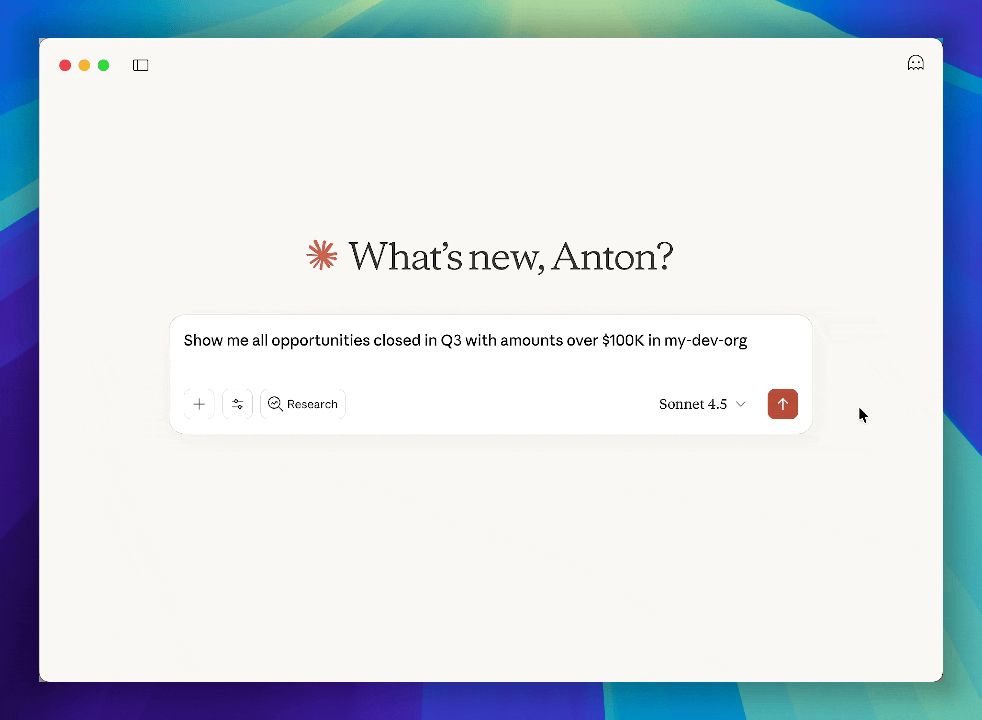
That’s just the beginning. Behind that simple conversation is a powerful integration between Claude AI and Salesforce, made possible by the Model Context Protocol (MCP). Let me show you what’s happening under the hood and what else you can do.
What Can You Do With Salesforce MCP?
The server gives Claude direct access to your Salesforce org through 40+ tools:
Query & Search
- Query any object with natural language
- Search across multiple objects instantly
- View object schemas and field definitions
Data Operations
- Create, update, and delete records
- Execute Anonymous Apex code
- Run and monitor Apex tests
Org Management
- List connected orgs
- Switch between orgs seamlessly
- Login to new orgs
- Logout from orgs
Debugging & Logs
- Fetch Apex debug logs with IDs
- Retrieve specific logs or most recent logs
- Analyze execution flow for performance
User & Permission Management
- Assign permission sets and permission set licenses
Package & Metadata Management
- Install packages
- Uninstall packages
- List metadata types and components
Browser Integration
- Open your org in a browser (you can use specific apex like, opening org in Setup)
- Open specific records
Why this matters
For administrators
For Administrators, the Salesforce MCP server changes your daily workflow by eliminating the constant context switching that drains productivity. Instead of juggling multiple browser tabs — one for Setup, another for reports, etc., and several more for documentation — you can handle everything through a single conversational interface.
Need to check a field’s API name while troubleshooting a flow? Ask. Want to see which users have a specific permission set? Ask. Need to create test data? Ask. All of this happens in one continuous conversation without ever leaving your workspace. What used to take 20 clicks and 5 minutes of navigation now takes 10 seconds and a single question.
For business users
For Business Users, this technology democratizes access to Salesforce data in a way that was previously impossible. You no longer need to wait for someone to build a report, or learn SOQL syntax, or understand the difference between accounts and opportunities to get the insights you need.
Want to know which deals are at risk this quarter? Just ask. Need to understand why a particular account’s revenue is down? Have a conversation about it. Curious about how many leads converted last month compared to the same period last year? Get an answer immediately with context and explanation.
The MCP server transforms Salesforce from a database you need interpreted for you into a colleague you can talk to directly. This means faster decisions, less dependency on technical resources, and the ability to explore your data iteratively — asking follow-up questions, drilling into details, and discovering insights in real-time rather than waiting hours or days for someone else to pull a report.
Technical deep dive
The Magic Isn’t Magic
When you ask “Show me all Accounts created this month,” here’s what happens in milliseconds:
- You type your question in Claude Desktop (or any MCP-compatible AI assistant)
- Claude understands your intent using natural language processing
- The MCP Server translates your request into Salesforce CLI commands
- Salesforce CLI executes the command using your authenticated credentials
- Results flow back through the chain to display in your chat
No magic. Just smart translation layers working together.
What is MCP? (Model Context Protocol)
MCP is an open protocol created by Anthropic that allows AI assistants to securely connect to external tools and data sources.
Think of it like this:
- HTTP lets websites talk to servers
- SMTP lets email clients talk to mail servers
- MCP lets AI assistants talk to your tools
The Salesforce MCP Server is one of these tools — it’s a bridge between Claude (or other AI assistants) and your Salesforce orgs.
Key Point: MCP is becoming a standard. More tools will support it, meaning you’ll be able to connect AI to more systems the same way.
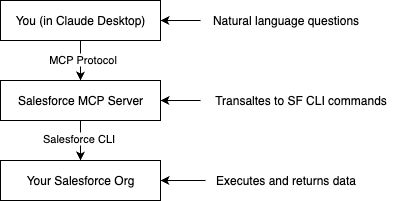
Layer 1: The AI Assistant (Claude Desktop)
- Understands your natural language
- Maintains conversation context
- Decides which MCP tool to call
- Formats results for display
Layer 2: The MCP Server (This tool)
- Provides 36+ specialized “tools” for Salesforce operations
- Translates AI requests into Salesforce CLI commands
- Validates inputs and handles errors
- Returns structured data to the AI
Layer 3: Salesforce CLI
- Connects to your authenticated orgs
- Executes the actual Salesforce operations
- Uses your existing credentials and permissions
- Returns results
Getting started
Prerequisites
- Node.js (v18 or higher)
- Salesforce CLI (
sf) installed and configured
The easiest way to start using it
- Got to releases page and download the .DXT file
- Open Claude for desktop
- Click at the downloaded file, which will open the installation process in the Claude for desktop
For more details and other ways of using it, read in the readme file in the repository.
More examples
Object documentation generator
Admin: "Describe the {OBJECT_NAME} object" Claude: [Gets full object metadata] Admin: " Create a comprehensive documentation page with: Object purpose, All fields in a formatted table, Relationships diagram, Validation rules. Make it look professional. " Claude: [Creates formatted HTML documentation artifact] - Styled like Salesforce Help - Searchable table of fields - Visual relationship map - Copy-paste ready 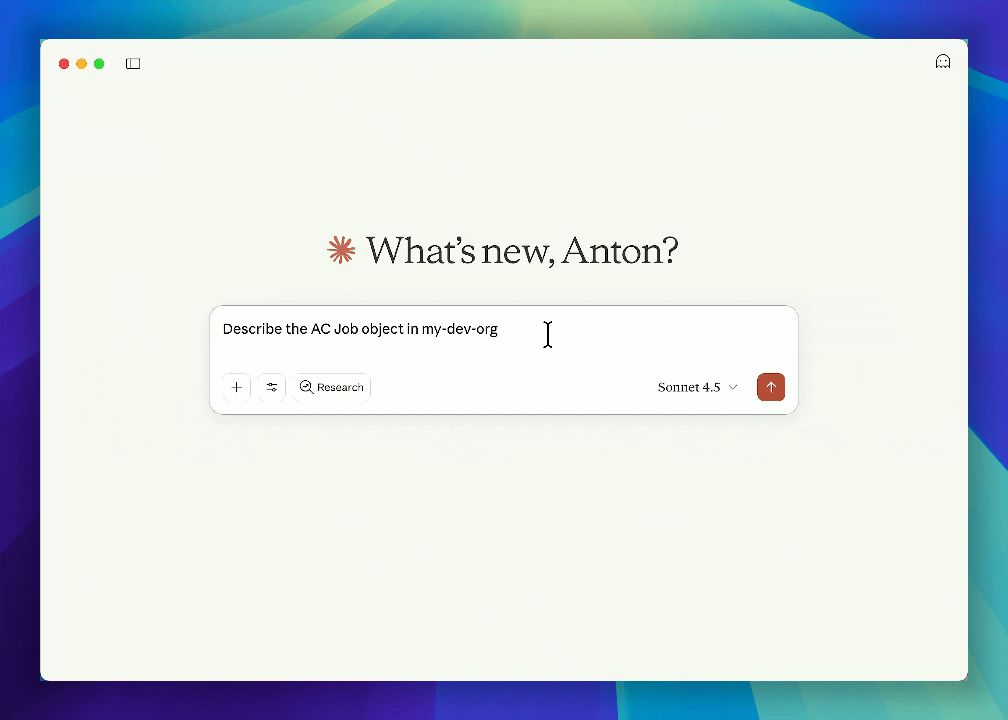
\
Data quality report
Admin: "Find all Accounts with: - Missing phone numbers - Invalid email formats - Empty billing addresses" Claude: [Queries and analyzes] Admin: "Create a data quality report showing: - Total issues by type - Pie chart of issue distribution - List of affected records - Recommendations for cleanup" Claude: [Creates interactive HTML report] - Executive summary - Visual charts - Drillable data - Action items \
Storage Usage Dashboard
Admin: "Show me org limits and usage" Claude: [Queries org limits via API] Admin: "Create a dashboard showing data storage and file storage with visual progress bars and alerts if over 80%" Claude: [Creates storage monitoring dashboard] - Progress bars for limits - Red/yellow/green indicators - Projected date to hit limits - Recommendations 
\
Object Relationship Visualizer
Admin: "Show me all relationships for the Account object" Claude: [Queries relationships] Admin: "Create a visual diagram showing Account at the center with all related objects" Claude: [Creates a relationship diagram] - Account in center - Lines to related objects - Lookup vs Master-Detail color coded - Click object to see its fields 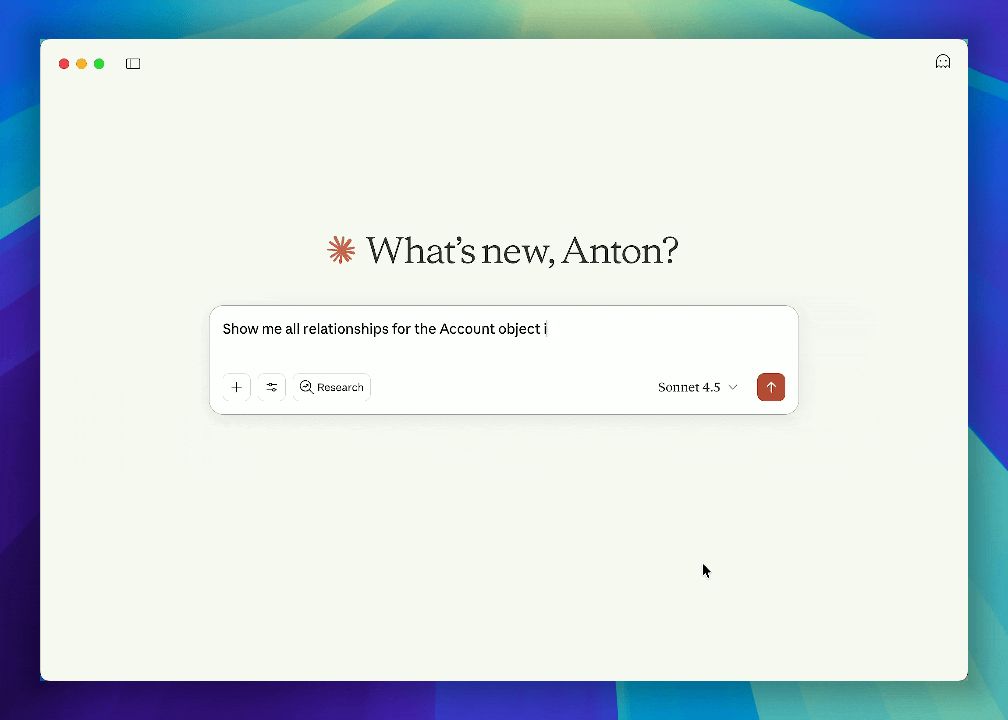
\
You May Also Like

Is Doge Losing Steam As Traders Choose Pepeto For The Best Crypto Investment?

What is the latest news about cryptocurrency? — Market snapshot Jan 23, 2026