

Why Did My KYC Verification Fail?
When completing identity verification (KYC) on the MEXC platform, some users may encounter verification failure. This article will help you understand how to check your verification result, identify the reason for failure, and complete re-verification smoothly.
1. How to Check Your KYC Verification Result
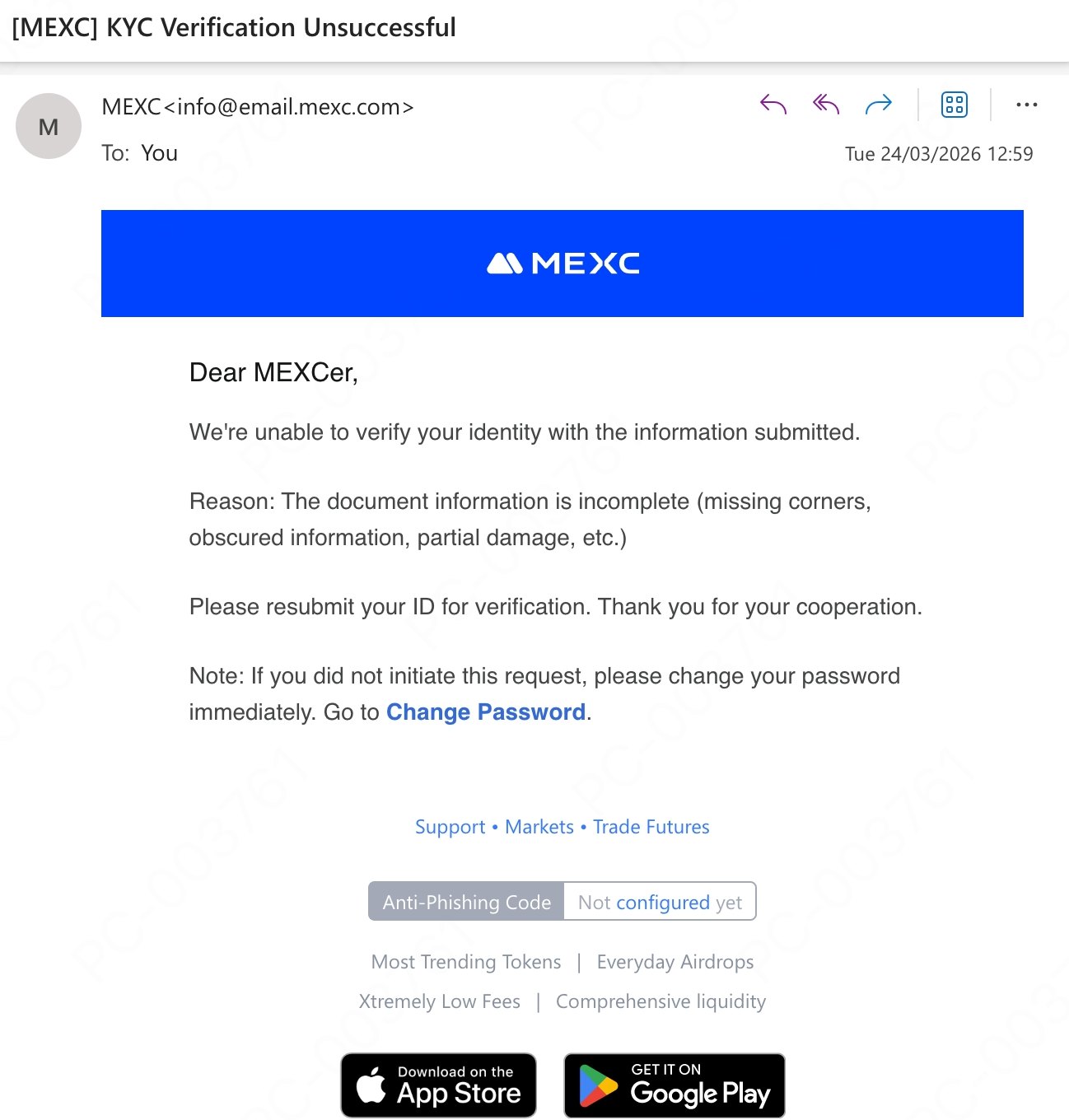
After you submit your KYC verification, MEXC will send the verification result to you by email. You can check the review status in either of the following two ways:
Method 1: Check the email notification
Log in to the email address you used to register your MEXC account and look for the verification result email from MEXC. The email will explain the specific reason why the review was not approved.
Method 2: Check the verification page on the platform
Log in to the MEXC platform directly and visit the identification page to view your current KYC verification status and the reason for failure.
2. Common Reasons for KYC Verification Failure
KYC verification usually fails for the following reasons:
- The document photo is blurry or the information cannot be recognized
- The document information is incomplete, such as the name or document number being blocked
- The document has expired or is no longer valid
- The number of accounts linked to this document has reached the limit
- A screenshot or copy was uploaded instead of a photo of the original document
- The information submitted for basic verification and advanced verification is inconsistent
For a more detailed analysis of failure reasons and corresponding solutions, please refer to Common Questions About KYC Verification.
3. How to Resubmit KYC Verification
Before submitting your verification again, please carefully review the reason for failure and prepare a compliant document. At the same time, please make sure your device camera is working properly and take the photo in a well-lit environment.
Steps on Web:
Click the Profile icon on the official website page → select Identification → follow the on-screen instructions to complete the verification process.
Steps on App:
Tap Profile on the homepage → select Complete KYC → tap Verify or Re-verify → follow the on-screen instructions to complete the verification process.
4. Need Help? Contact Customer Support
If you still cannot complete KYC verification after trying the methods above, we recommend contacting MEXC online customer support or submitting a support ticket. The support team will provide one-on-one guidance to help you resolve the specific issues encountered during the verification process.