How to Use the TP/SL Feature for Limit Orders
1. Definition of Limit Order TP/SL
2. Effective Conditions
2.1 One-way Limit Order: Buying Digital Assets
- The TP/SL feature of the limit order can only be triggered after the limit buy order is completely filled.
- You can set up the TP/SL feature for sell orders simultaneously when placing the limit order.
- Within your TP/SL feature, only one sell order will be triggered, and the other sell order will be canceled.
2.2 One-way Limit Order: Selling Digital Assets
- The TP/SL feature of the limit order can only be triggered after the limit sell order is completely filled.
- You can set up the TP/SL feature for buy orders simultaneously when placing the limit order.
- Within your TP/SL feature, only one buy order will be triggered, and the other buy order will be canceled.
2.3 Usage Example (Using MX Token as an Example)
1. Setting Limit Orders
- Set your desired buy price and buy quantity, e.g. 2 USDT/MX and 100 MX tokens.
- After completing the setup, the limit buy order will be waiting to be triggered.
2. Using TP Feature with Limit Orders
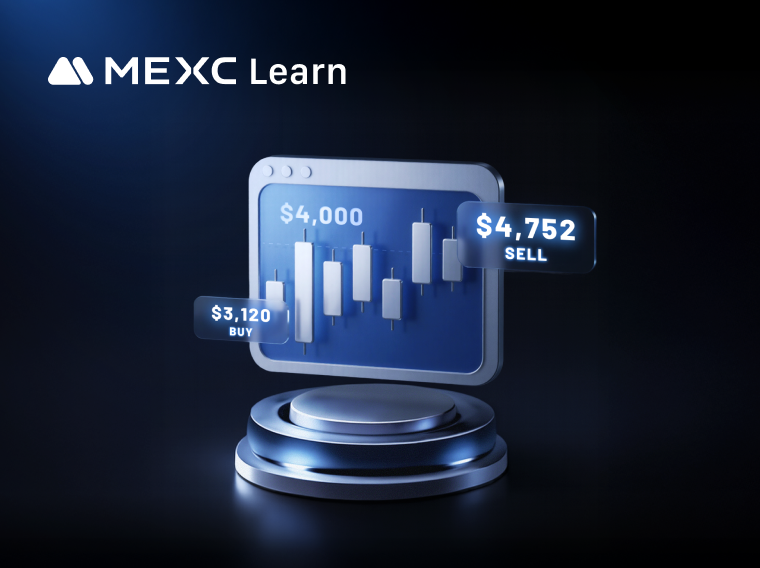
- TP (Sell Order) Trigger Price: When the MX token is on an upward trend, this price (B) will be triggered. In this scenario, you can set it at 3.5 USDT/MX.
3. Using SL Feature with Limit Orders
- If you are concerned that MX might not rise to 3.5 USDT/MX and a downtrend might occur, and you wish to exit at 1.5 USDT/MX.
- SL (Sell Order) Trigger Price: When the MX token is in a downtrend, this price (B1) will be triggered. In this scenario, you can set it at 1.5 USDT/MX.
4. Estimated Profit/Loss (Excluding Trading Fees)
- Expected Profit:
- Expected Loss:
2.4 Limit Order TP/SL feature vs Stop-Limit Orders
1. Trading Methods
- The Limit Order TP/SL feature includes two trading behaviors: Buy first, then sell, or sell first, then buy.
- Stop-limit orders only include one trading behavior:buy or sell.
2. Applicability
- The Limit Order TP/SL feature is suitable for complex trading systems:
- Stop-limit orders are suitable for relatively simple trading systems:
3. Operational Pathway (Using MX Token as an Example)
3.1 MEXC Official Website
3.2 Gentle Reminder
- The TP/SL points are triggered effectively when the corresponding limit order is completely filled. If the limit order is only partially filled, the TP/SL functions will not activate, even if the set trigger prices for TP/SL are reached.
- When a limit order (buy order) and TP/SL points are set, the system will use the quantity of the completely filled limit order as the order quantity for TP/SL.
- When a limit order (sell order) and TP/SL points are set, the system will use the amount of the completely filled limit order as the order amount for TP/SL.
- Reasons why TP/SL points may become ineffective upon reaching the specified prices:
- Tutorials and guides may vary across different operating systems. Please refer to yourcurrent operating system for accuracy.
4. Conclusion
热门新闻
查看更多
Kalshi CPI Futures: Can It Challenge Wall Street?
Kalshi is preparing to enter the institutional inflation derivatives market with proposed exchange-traded futures contracts linked to the U.S. Consumer Price Index (CPI). According to Bloomberg's Octo

DeFi Price Manipulation Attacks Hit 43 in 2026
DeFi price manipulation attacks have reached a new reported annual high in 2026, exposing persistent weaknesses in how decentralized financial protocols value assets, manage collateral, and respond to


相关文章
查看更多
Must-Read for New Users! 11 MEXC Spot Trading FAQs
As the cryptocurrency market rapidly develops, spot trading has gradually become the preferred entry point into the digital asset world for many investors, especially beginners. Spot trading offers ad
Spot Market Trading Rules
In cryptocurrency spot trading, beyond price analysis and strategy selection, understanding and following the trading platform's market rules is equally crucial. For MEXC users, each trading pair not