Beli Kripto
Pasar
Spot
Futures OILBTC
Tabungan
Pusat Acara
Hub Hadiah
Lainnya
Fest. 0-Biaya
Investing in cryptocurrency often involves focusing on multiple tokens. In daily trading, it is common to pay attention to the trend of tokens at different time periods and perform peer-to-peerInvesting in cryptocurrency often involves focusing on multiple tokens. In daily trading, it is common to pay attention to the trend of tokens at different time periods and perform peer-to-peer
Belajar/Panduan Pemula/Futures/How to change the K-line layout in MEXC futures trading? Better serve your futures trading

How to change the K-line layout in MEXC futures trading? Better serve your futures trading

Sep 21, 2026MEXC
6 menit
Bagikan

Investing in cryptocurrency often involves focusing on multiple tokens. In daily trading, it is common to pay attention to the trend of tokens at different time periods and perform peer-to-peer operations on different tokens. In order to improve the convenience of trading users, MEXC futures has launched the function of multi-window on the same screen, which allows multiple K-line windows to be viewed simultaneously on one display screen.

Abstract of this article:


In order to provide users with a better trading experience, MEXC's futures product has launched the function of changing the K-line layout, which facilitates users with different trading habits to flexibly adjust the layout of different modules and conduct futures trading better.
For users who are accustomed to trading multiple different futures, they can use the same-screen multi-window function provided by MEXC futures products to display the K-line trends of multiple trading pairs on one screen, avoiding multiple switching and greatly improving the efficiency of monitoring the market.

1. Benefits of multiple windows on the same screen


1.1 Improve the efficiency of monitoring the market


MEXC futures currently supports up to 4 windows to be displayed on the same screen. Multiple arrangements are provided for different window numbers, and you can choose according to your preferences.

Multi-window arrangement not only allows you to view the K-line trends of multiple tokens at the same time, but also allows you to view the market trends of the same token at different time periods, avoiding multiple switching adjustments and improving monitoring efficiency.

1.2 Improve the efficiency of multi-category token trading


When multiple different token K-lines are displayed in multiple windows on the same screen, clicking on different windows can complete the corresponding token order in the order area. Compared with switching between previous pages, it saves more time and improves trading efficiency. This advantage is more obvious when the market fluctuates frequently.

It should be noted that it is not possible to trade quickly on the K-line under multi-window conditions. If you want to learn more about how to trade quickly on the K-line, you can read " How to trade on the K-line ".

1.3 Personalized customized transaction page


You can also customize each window of the multi-window according to your preferences, including K-line patterns, indicator displays, and line drawing.


2. How to change the trading candlestick layout on the webpage


Currently, the multi-window function on the same screen only supports settings on the web side. We will use the USDT-M futures on the web side to demonstrate it for everyone.

2.1 How to set up multiple windows on the futures trading page


Open and log in to the official MEXC homepage, select "USDT-M futures" in the top navigation bar "futures trading".

Enter the futures trading page, select the icon similar to the window logo in the upper right corner of the K-line chart, and choose the multi-window display method you want. Here we have selected the "" of the 4 windows as an example.

After clicking [], the K-line window will switch to a 4-window arrangement. If you think the window is too small, you can also click the button similar to the zoom icon in the upper right corner of the K-line to adjust it to full screen display.


2.2 How to display different tokens in different windows


After setting up multiple windows, click on the display window you want to modify, select the [▽] button next to the token in the upper left corner, and then click on the token you want to modify to complete the display. As shown in the animation, we have adjusted the second window to ETHUSDT perpetual futures.

If you don't see the token you want to change in the drop-down menu, you can add it by searching. As shown in the animation, we have adjusted the third window to SOLUSDT perpetual futures by searching.

If you want to add a futures pair to your watchlist, you can select it in the shortcut display area below the navigation bar. As shown in the animation, we have adjusted the fourth window to SUIUSDT perpetual futures .

2.3 How to trade quickly in multi-window mode


Click on the futures window you want to trade, and the right order area will automatically adjust to the corresponding futures trading area.

As shown in the figure, we have currently selected the fourth window for SUIUSDT perpetual futures trading. The right order area is synchronously adjusted to SUI trading. You can create a long or short position after selecting the margin mode, leverage ratio, and quantity.


2.4 How to personalize different windows


Similar to trading behavior, when you select a window, you can adjust the K-line time, K-line appearance, indicators, price selection (latest price, index price, reasonable price), and line drawing of this window.

As shown in the figure, we selected the fourth SUIUSDT futures window and adjusted the solid candlestick appearance of this window to a hollow candlestick.

As shown in the figure, we selected the SOLUSDT futures window of the third window, clicked the arrow icon on the left side of the K-line, and the line drawing tool popped up. Click the arrow icon again to hide the line drawing tool. Use the line drawing tool to draw lines on the K-line.

For more explanation of the line drawing function, you can read " How to use the line drawing tool " to learn and master, which will not be expanded here.

MEXC's same-screen multi-window function can not only be set on the K-line of the basic version of futures trading, but also applies to the TradingView mode of spot and futures trading. The setting method in TradingView mode is the same as that in the basic version. Welcome everyone to experience it.

Currently, MEXC platform has launched a 0 fee activity . By participating in this activity, users can significantly reduce transaction costs and truly achieve the goal of "saving more, trading more, and earning more". On the MEXC platform, you can not only enjoy low-cost transactions with this activity, but also keep up with market trends, keenly capture every fleeting investment opportunity, and start a journey of wealth appreciation.


Disclaimer: This material does not provide advice on investment, taxation, legal, financial, accounting, consulting, or any other related services, nor is it advice on buying, selling, or holding any assets. MEXC Novice Academy provides information for reference only and does not constitute any investment advice. Please ensure that you fully understand the risks involved and invest cautiously. All investment behaviors of users are not related to this site.

Peluang Pasar
Logo
Harga ()
--
----
USD
Grafik Harga Live ()

Artikel Populer

Lihat Selengkapnya
Pesaing Oura: Samsung, Apple, dan Pasar Smart Ring

Pesaing Oura: Samsung, Apple, dan Pasar Smart Ring

Menurut prospektus IPO-nya, pesaing Oura terbagi dalam tiga kelompok: pembuat jam tangan pintar seperti Apple, Google, dan Samsung; perangkat wearable kebugaran seperti Garmin, Coros, dan Whoop; serta
Apakah Oura Menguntungkan? Pendapatan, Model Bisnis, dan Valuasi

Apakah Oura Menguntungkan? Pendapatan, Model Bisnis, dan Valuasi

Ya, Oura menguntungkan berdasarkan laba bersih. Prospektus IPO-nya menunjukkan laba bersih sebesar $60,8 juta dari pendapatan $1,21 miliar dalam sembilan bulan hingga 30 Juni 2026. Kerugian $924,3 jut
Review Bitget 2026: Skor 3,8 dari 5, Copy Trading Paling Lengkap, dan Tiga Tanggal Penting Keluarnya Bitget dari Jepang

Review Bitget 2026: Skor 3,8 dari 5, Copy Trading Paling Lengkap, dan Tiga Tanggal Penting Keluarnya Bitget dari Jepang

Per 25 September 2026, Bitget meraih skor 3,8 dari 5 pada penilaian enam dimensi kami: unggul di derivatif, mendapat skor sementara 3,5 untuk keamanan setelah insiden hot wallet senilai sekitar US$351
IPO Oura 2026: Tanggal, Harga, Valuasi, dan Cara Dagang OURA

IPO Oura 2026: Tanggal, Harga, Valuasi, dan Cara Dagang OURA

Oura, perusahaan di balik Oura Ring, diperkirakan akan menetapkan harga penawaran umum perdana (IPO) di Amerika Serikat pada pekan tanggal 28 September 2026 dan mencatatkan sahamnya di Nasdaq Global S

Berita yang Sedang Tren

Lihat Selengkapnya
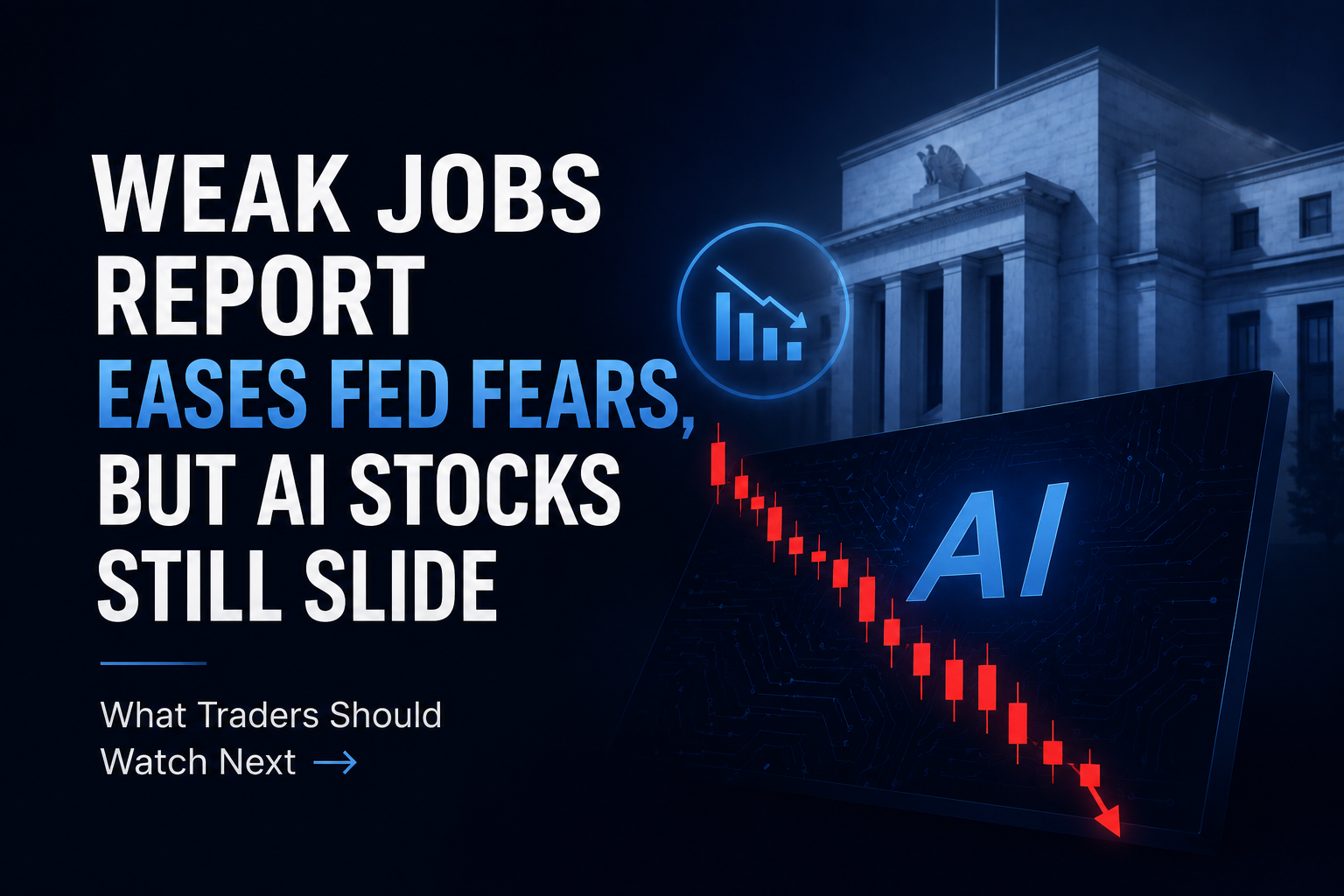
Laporan Pekerjaan yang Lemah Meredakan Kekhawatiran Fed, Tetapi Saham AI Tetap Turun: Apa yang Harus Diperhatikan Trader Selanjutnya

Laporan Pekerjaan yang Lemah Meredakan Kekhawatiran Fed, Tetapi Saham AI Tetap Turun: Apa yang Harus Diperhatikan Trader Selanjutnya

Laporan pekerjaan AS bulan Juni mengisyaratkan perlambatan ekonomi yang jelas, meleset dari ekspektasi dan menurunkan kekhawatiran kenaikan suku bunga Federal Reserve. Meskipun imbal hasil Treasury le

Indonesia Blokir Akses Polymarket setelah Diklasifikasikan sebagai Judi Online

Indonesia Blokir Akses Polymarket setelah Diklasifikasikan sebagai Judi Online

Indonesia memblokir akses ke Polymarket setelah Komdigi mengklasifikasikan kontrak prediksinya sebagai judi online dan menelusuri akun terkait.
Pendapatan DCI Indonesia Naik 33,2% pada Semester I 2026

Pendapatan DCI Indonesia Naik 33,2% pada Semester I 2026

Pendapatan DCI Indonesia naik 33,2% menjadi Rp1,77 triliun pada semester I 2026, dengan layanan kolokasi menyumbang 94,5% dari penjualan.

Pengawasan Kripto Indonesia Beralih ke OJK Setelah Penerapan Sistem CFX

Pengawasan Kripto Indonesia Beralih ke OJK Setelah Penerapan Sistem CFX

OJK mengambil alih pengawasan kripto Indonesia dari Bappebti pada Januari 2025, memperbarui kerangka perdagangan yang melibatkan sistem CFX.

Artikel Terkait

Lihat Selengkapnya
Ambang Nol, Slippage Nol: Cara Berdagang Futures Saham AS di MEXC

Ambang Nol, Slippage Nol: Cara Berdagang Futures Saham AS di MEXC

Baru-baru ini, saham konsep AI melonjak drastis, dengan valuasi raksasa teknologi mencapai rekor tertinggi, sehingga pasar saham AS menjadi sorotan utama bagi investor global. Namun, sebagian besar pe
Mengurutkan Ulang Informasi Posisi untuk Pengalaman Perdagangan yang Lebih Lancar

Mengurutkan Ulang Informasi Posisi untuk Pengalaman Perdagangan yang Lebih Lancar

Dalam perdagangan Futures, posisi yang telah dibuka akan muncul dalam Posisi Terbuka. Daftar Posisi Terbuka mencakup Pasangan Perdagangan, Posisi, Harga Masuk Rata-Rata, Harga Wajar, Est. Harga Lik.,
Panduan Pemula: Cara Mengekspor Data Riwayat Posisi Futures untuk Meningkatkan Kinerja Perdagangan

Panduan Pemula: Cara Mengekspor Data Riwayat Posisi Futures untuk Meningkatkan Kinerja Perdagangan

Dalam perdagangan futures, menguasai dan menganalisis data perdagangan lampau Anda adalah langkah pertama untuk menjadi pedagang yang lebih berpengalaman. Fitur ekspor data Riwayat Posisi Futures MEXC
Apa itu Margin Call? Panduan Singkat untuk Mekanisme Manajemen Risiko Utama dalam Perdagangan Futures

Apa itu Margin Call? Panduan Singkat untuk Mekanisme Manajemen Risiko Utama dalam Perdagangan Futures

Memahami mekanisme margin call merupakan pelajaran wajib bagi setiap pedagang futures, mulai dari pemula hingga ahli. Margin call bukan hanya merupakan persyaratan pasif yang ditetapkan oleh platform,

Daftar di MEXC
Daftar & Dapatkan Bonus hingga 10,000 USDT

Gabung ke Komunitas MEXC

Dapatkan listing, acara, dan perkembangan terbaru secara real time langsung dari saluran Telegram resmi kami.

25 rb+ anggota

Futures

BTC/USDT
ETH/USDT
GOLD(XAU)/USDT