In addition to the core trading features, MEXC's spot trading page provides various auxiliary features to assist you in spot trading effectively. Compared to the web platform, the app may not offerIn addition to the core trading features, MEXC's spot trading page provides various auxiliary features to assist you in spot trading effectively. Compared to the web platform, the app may not offer
Belajar/Trading Guide/Spot/Frequently Used Additional Features on Spot Trading Page

Frequently Used Additional Features on Spot Trading Page

Sep 21, 2026MEXC
5 menit

In addition to the core trading features, MEXC's spot trading page provides various auxiliary features to assist you in spot trading effectively.

Compared to the web platform, the app may not offer as many comprehensive auxiliary features due to factors such as size. This article will use the web platform to demonstrate these auxiliary features as an example.

Log in to the official MEXC website. On the spot trading page, click the [⚙️] button in the top right corner to access the settings page, where you can configure auxiliary features for placing orders and more.


1. Order Confirmation


The order confirmation feature can help you review and confirm your order during the ordering process, preventing potential losses due to input errors and other factors. Click the [⚙️] button to access the settings page, then click the toggle on the right of "Order Confirmation" to switch it on, and select the order methods to which you want the feature to apply to complete the setup.


Let's use placing a limit order as an example for demonstration.

Click on [Limit] to select the limit order type and buy 500 MX at $2. After clicking on [Buy MX], an "Order Confirmation" window will appear. You can review the details of the initiated limit order, including the trading pair, type/side, price, quantity, and total amount. After confirming that everything is correct, click on [Confirm] to place the order.


2. Large Order Confirmation


Similar to the order confirmation feature, the large order confirmation feature is designed to prevent potential asset losses due to oversight in a single large trade. Before officially placing the order, this feature allows you to double-check the initiated order. You can set your own threshold amount, and when the order amount is greater than or equal to the threshold you have set, the large order confirmation feature will be triggered. Otherwise, it will not be activated.


Similarly, let's use placing a limit order as an example for demonstration. In this example, the threshold amount for the large order confirmation feature is set to 1,000 USDT.

Click on [Limit] to select the limit order type and buy 600 MX at $2. After clicking on [Buy MX], a "Large Order Confirmation" window will appear, and you will see a prompt message in orange.

In the "Large Order Confirmation" window, you can view the details of the initiated limit order, including the trading pair, type/side, price, quantity, and total amount. After confirming that everything is correct, click on [Confirm] to place the order. Otherwise, click on [Cancel] to cancel the order.


3. Pop-up for Market Order Not Completely Filled


A market order is a type of order that allows users to execute trades quickly at the current market price. Sometimes, due to significant market fluctuations, your market order may only be partially filled. If you have enabled the "Pop-up for Market Order Not Completely Filled" feature, you will be notified with a pop-up when your market order is not completely filled.

4. Order Notification


If you have enabled the order notification feature, when your order is filled, the system will sound an alert and display a message in the bottom right corner of the page indicating the successful order. You can choose your preferred notification method by checking the "Notification Message" or "Sound" options.

5. Estimated PNL Under Open Positions


On the MEXC platform, under the "Open Positions" section at the bottom of the spot trading page, you can view the PNL situation of the various types of tokens you hold. This feature provides an intuitive display of your current overall PNL as well as the PNL of different types of held tokens.

For tokens purchased entirely on the MEXC platform, the platform will calculate your average buy price and provide information on the current PNL of your positions. However, if your tokens were partially or entirely withdrawn from other platforms to MEXC, you can manually edit and set the "Avg. Buy Price" before viewing the current PNL of your positions.


6. Other Auxiliary Tools


In addition to the order-related features mentioned above, MEXC provides various auxiliary tools to assist you in spot trading. You can use these tools based on your preferences and specific needs.

6.1 Drawing Tools


Many experienced traders like to draw lines on K-line charts to help predict future market trends. MEXC provides drawing tools that allow users to quickly draw lines for various types of professional analysis, aiding users in making informed investment decisions.

If you want to learn more about drawing tools, you can refer to the article "How to Use Drawing Tools."

6.2 Screenshot Sharing


The screenshot sharing feature is often used in conjunction with the drawing tools. After making predictions about future market trends using the drawing tools, if you want to share your ideas with friends, you can click the screenshot button for the system to generate an image of your current K-line chart page, making it easy for you to share your analysis.


6.3 Multi-Chart Display


Multi-chart display can help enhance efficiency in market monitoring and trading of various tokens. Currently, MEXC spot trading only supports multi-chart display in TradingView mode. You can learn more about this feature through the article "How to Change the Futures K-Line Chart Layout."

6.4 Layout Settings


MEXC spot trading provides three page layout options: standard, horizontal, and vertical. You can switch between these layouts based on your preferences by clicking the [⚙️] button in the upper right corner of the trading page.

Additionally, different sections of the MEXC spot trading page can also be resized by holding and dragging. You can adjust the size according to your preference by holding and dragging the bottom-right corner [⌟] of the section.


The auxiliary features provided on the spot trading page are primarily aimed at enhancing your trading efficiency and preventing you from missing important information. During your daily trading activities, you can experiment with these various features to find the ones that suit your trading habits and help you trade more efficiently.

Disclaimer: This information does not provide advice on investment, taxation, legal, financial, accounting, consultation, or any other related services, nor does it constitute advice to purchase, sell, or hold any assets. MEXC Learn provides information for reference purposes only and does not constitute investment advice. Please ensure you fully understand the risks involved and exercise caution when investing. The platform is not responsible for users' investment decisions.


Peluang Pasar
Logo Lagrange
Harga Lagrange(LA)
$0.07267
$0.07267$0.07267
+0.87%
USD
Grafik Harga Live Lagrange (LA)

Artikel Populer

Lihat Selengkapnya
Pesaing Oura: Samsung, Apple, dan Pasar Smart Ring

Pesaing Oura: Samsung, Apple, dan Pasar Smart Ring

Menurut prospektus IPO-nya, pesaing Oura terbagi dalam tiga kelompok: pembuat jam tangan pintar seperti Apple, Google, dan Samsung; perangkat wearable kebugaran seperti Garmin, Coros, dan Whoop; serta
Apakah Oura Menguntungkan? Pendapatan, Model Bisnis, dan Valuasi

Apakah Oura Menguntungkan? Pendapatan, Model Bisnis, dan Valuasi

Ya, Oura menguntungkan berdasarkan laba bersih. Prospektus IPO-nya menunjukkan laba bersih sebesar $60,8 juta dari pendapatan $1,21 miliar dalam sembilan bulan hingga 30 Juni 2026. Kerugian $924,3 jut
Review Bitget 2026: Skor 3,8 dari 5, Copy Trading Paling Lengkap, dan Tiga Tanggal Penting Keluarnya Bitget dari Jepang

Review Bitget 2026: Skor 3,8 dari 5, Copy Trading Paling Lengkap, dan Tiga Tanggal Penting Keluarnya Bitget dari Jepang

Per 25 September 2026, Bitget meraih skor 3,8 dari 5 pada penilaian enam dimensi kami: unggul di derivatif, mendapat skor sementara 3,5 untuk keamanan setelah insiden hot wallet senilai sekitar US$351
IPO Oura 2026: Tanggal, Harga, Valuasi, dan Cara Dagang OURA

IPO Oura 2026: Tanggal, Harga, Valuasi, dan Cara Dagang OURA

Oura, perusahaan di balik Oura Ring, diperkirakan akan menetapkan harga penawaran umum perdana (IPO) di Amerika Serikat pada pekan tanggal 28 September 2026 dan mencatatkan sahamnya di Nasdaq Global S

Kabar Kripto Terpopuler

Lihat Selengkapnya

2026 Jadwal Data Ekonomi AS: Tanggal Utama untuk Fed, CPI, NFP & PMI

2026 Jadwal Data Ekonomi AS: Tanggal Utama untuk Fed, CPI, NFP & PMI

Ikhtisar Alokasi modal institusional di seluruh pasar pendapatan tetap, mata uang, dan aset digital global sepanjang tahun 2026 berlabuh secara mendasar dalam rilis data makroekonomi yang muncul dari

Pratinjau Produksi Industri AS: Bisakah Output Pabrik Cuaca dengan Kenaikan Tingkat Fed?

Pratinjau Produksi Industri AS: Bisakah Output Pabrik Cuaca dengan Kenaikan Tingkat Fed?

Ikhtisar Allocator makro global dan manajer aset institusional mengarahkan fokus mereka ke indikator ekonomi fisik karena Federal Reserve mempertahankan lintasan kebijakan moneternya. Rilis data produ

Bitcoin ETF Tambahkan $987M untuk Minggu Lurus Ketiga, tetapi BTC Masih Tidak Bisa Menahan $80K

Bitcoin ETF Tambahkan $987M untuk Minggu Lurus Ketiga, tetapi BTC Masih Tidak Bisa Menahan $80K

Ikhtisar Amerika Serikat tempat dana Bitcoin diperdagangkan bursa mencatat lonjakan substansial lainnya dalam permintaan institusional, menarik $987 juta dalam arus mingguan bersih sesuai dengan pelac

Solana Memotong Waktu Slot hingga 350ms: Apa Arti Jalan Menuju 200ms untuk SOL

Solana Memotong Waktu Slot hingga 350ms: Apa Arti Jalan Menuju 200ms untuk SOL

Ikhtisar Menurut spesifikasi teknis yang dirilis oleh ekosistem Solana dan firma pengembangan validator Anza , mainnet Solana telah mengeksekusi pengurangan pertama dalam waktu slot target sejak jarin

Berita yang Sedang Tren

Lihat Selengkapnya
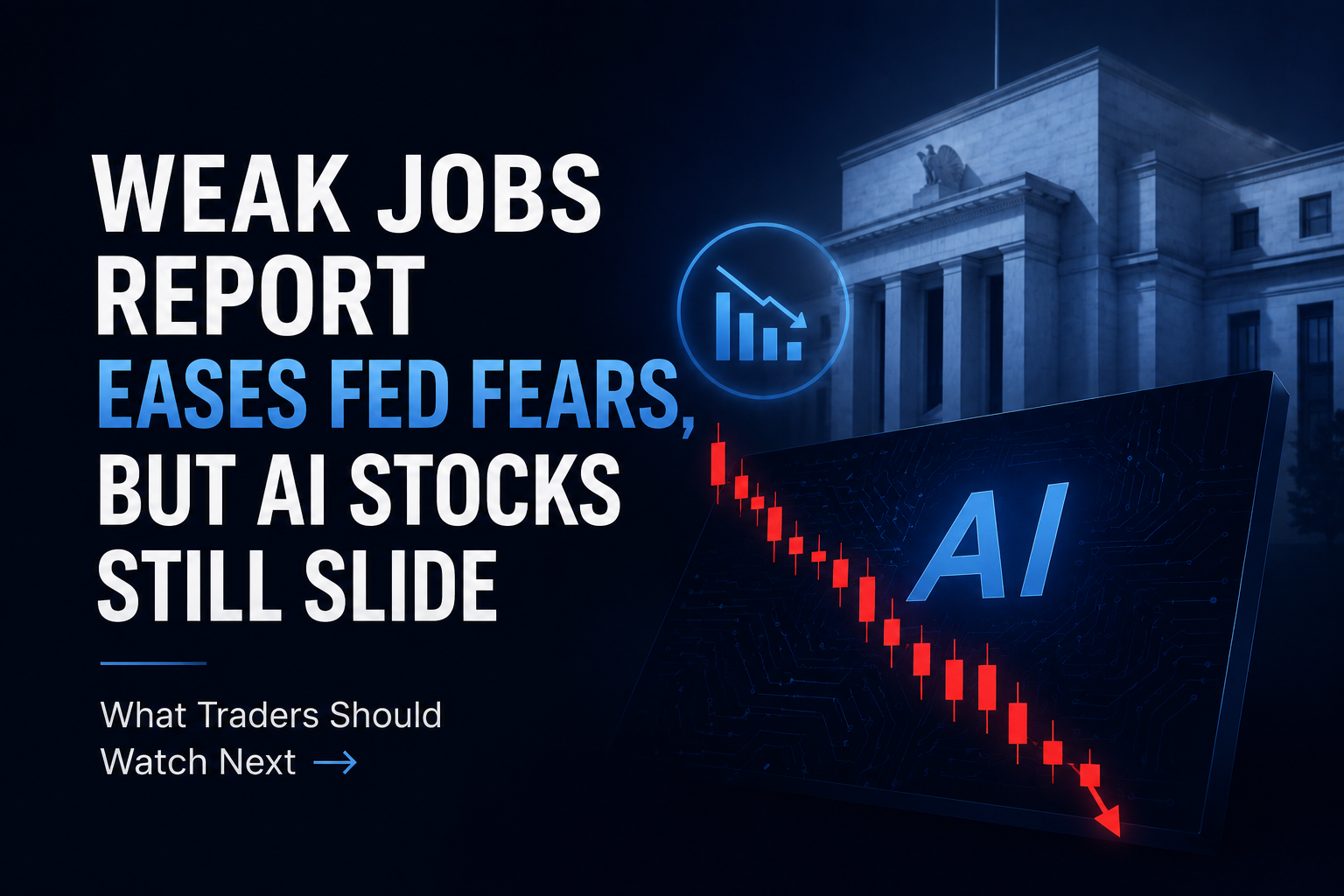
Laporan Pekerjaan yang Lemah Meredakan Kekhawatiran Fed, Tetapi Saham AI Tetap Turun: Apa yang Harus Diperhatikan Trader Selanjutnya

Laporan Pekerjaan yang Lemah Meredakan Kekhawatiran Fed, Tetapi Saham AI Tetap Turun: Apa yang Harus Diperhatikan Trader Selanjutnya

Laporan pekerjaan AS bulan Juni mengisyaratkan perlambatan ekonomi yang jelas, meleset dari ekspektasi dan menurunkan kekhawatiran kenaikan suku bunga Federal Reserve. Meskipun imbal hasil Treasury le

Indonesia Blokir Akses Polymarket setelah Diklasifikasikan sebagai Judi Online

Indonesia Blokir Akses Polymarket setelah Diklasifikasikan sebagai Judi Online

Indonesia memblokir akses ke Polymarket setelah Komdigi mengklasifikasikan kontrak prediksinya sebagai judi online dan menelusuri akun terkait.

Pendapatan DCI Indonesia Naik 33,2% pada Semester I 2026

Pendapatan DCI Indonesia Naik 33,2% pada Semester I 2026

Pendapatan DCI Indonesia naik 33,2% menjadi Rp1,77 triliun pada semester I 2026, dengan layanan kolokasi menyumbang 94,5% dari penjualan.

Pengawasan Kripto Indonesia Beralih ke OJK Setelah Penerapan Sistem CFX

Pengawasan Kripto Indonesia Beralih ke OJK Setelah Penerapan Sistem CFX

OJK mengambil alih pengawasan kripto Indonesia dari Bappebti pada Januari 2025, memperbarui kerangka perdagangan yang melibatkan sistem CFX.

Artikel Terkait

Lihat Selengkapnya
Panduan Aturan Perdagangan MEXC agar Perdagangan Spot Lebih Efisien

Panduan Aturan Perdagangan MEXC agar Perdagangan Spot Lebih Efisien

Dalam perdagangan spot mata uang kripto, bukan hanya analisis harga dan pemilihan strategi yang perlu diperhatikan, tetapi juga pemahaman dan kepatuhan terhadap aturan pasar dari platform perdagangan.
Limit Order Dipermudah: Cara Berdagang Lebih Efektif

Limit Order Dipermudah: Cara Berdagang Lebih Efektif

Di pasar mata uang kripto, limit order berfungsi sebagai mekanisme perdagangan penting yang memungkinkan investor menjalankan kontrol yang tepat terhadap harga eksekusi perdagangan mereka.1. Apa Itu L
Apa itu Order Take-Profit/Stop-Loss? Alat Otomatis Anda untuk Manajemen Risiko dan Penguncian Keuntungan

Apa itu Order Take-Profit/Stop-Loss? Alat Otomatis Anda untuk Manajemen Risiko dan Penguncian Keuntungan

1. Apa Itu Order Take-Profit/Stop-Loss? Order Take-Profit/Stop-Loss memungkinkan pengguna menetapkan harga pemicu terlebih dahulu, beserta harga dan jumlah untuk membeli atau menjual setelah pemicu te

Apa Itu MEXC Hold dan Earn?

Apa Itu MEXC Hold dan Earn?

1. Apa Itu MEXC Hold dan Earn?MEXC Hold dan Earn memungkinkan pengguna menghasilkan imbal hasil atas token yang ditentukan yang disimpan di akun Spot mereka. Produk ini menawarkan fleksibilitas penuh:

Daftar di MEXC
Daftar & Dapatkan Bonus hingga 10,000 USDT
Apakah Stablecoin Anda Aman?
Apakah Stablecoin Anda Aman?Apakah Stablecoin Anda Aman?
Pahami risiko USDT, USDC, OpenUSD & USD1

Gabung ke Komunitas MEXC

Dapatkan listing, acara, dan perkembangan terbaru secara real time langsung dari saluran Telegram resmi kami.

25 rb+ anggota